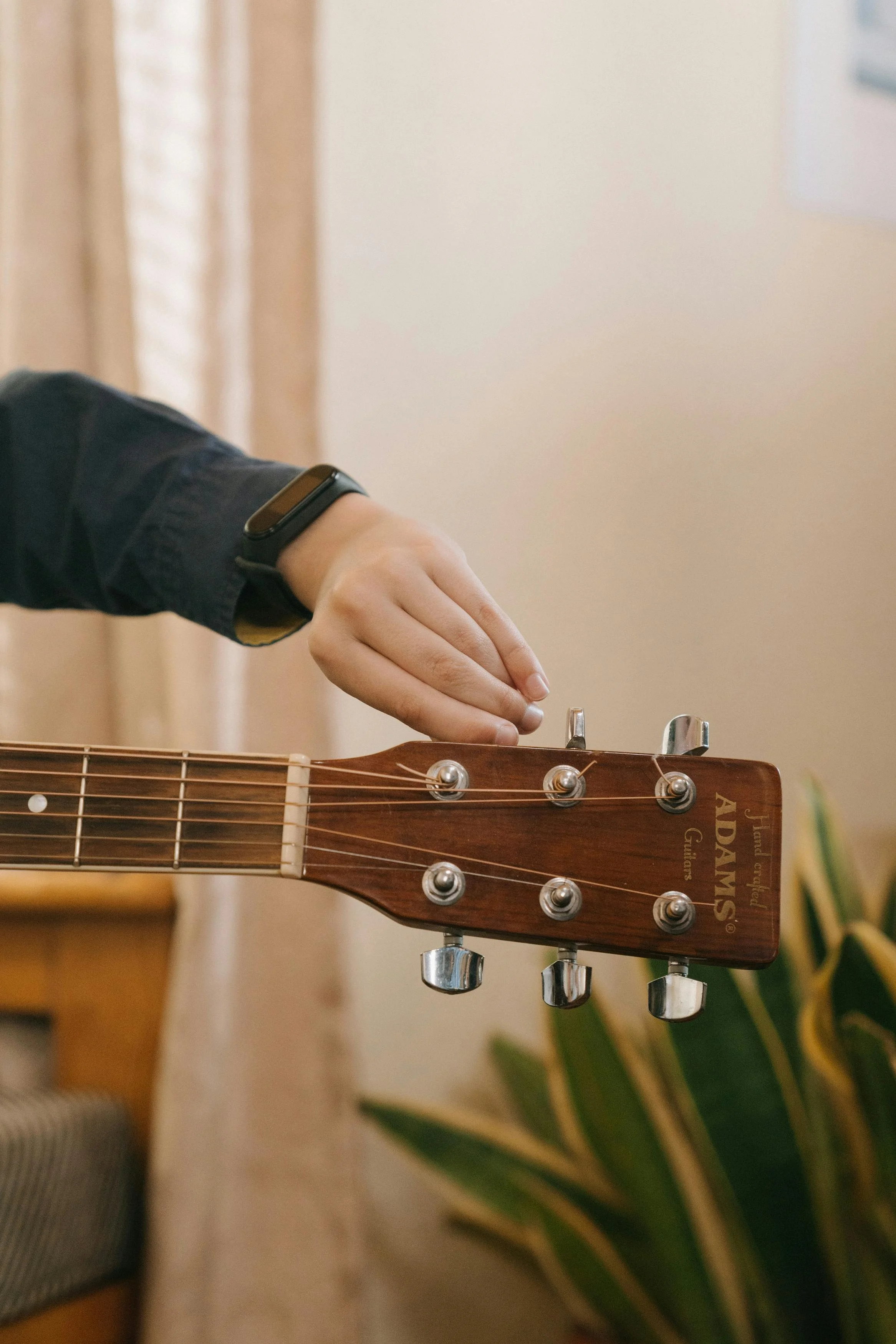
Guitar Tuning
[HOME]
[PART 1-THE BAISCS] L1: Terms & Supplies * L2: The Strum * L3: The 5 Basic Chords * L4: Playing 1st Song
[PART 2: DIGGIN’ IN] Guitar Tuning * Music Theory * Transpose * More Chords
[PART 3-PLAYING BASS] Playing Bass.
[PART 4-SONGS] Songs
Tuning Your Guitar
There are 3 options when tuning your guitar. And you need to tune your guitar because it won’t sound good.
Tune with itself
Turn to a piano or other instrument
Tune with an app, an electronic tuner, pitch pipe, or built-in guitar tuner
ONE: TUNE THE GUITAR WITH ITSELF
Before you begin playing your guitar, you should tune your guitar at least with itself (relative tuning) so that when you are playing songs, they will sound right. Tune the 6th string to a piano's E if possible. If no piano is available tune the 6th string the best you can to what you think the low E is. Then tune the rest of the strings according to the instructions below. (Be careful not to tune the 6th string too high, because by the time you get to the 1st string, it may be too tight to come into tune. This will cause the string to break. If no piano is available, purchase a pitch pipe or electronic tuner. See below.).:
Press the 6th string in the 5th fret (A) and pluck both the 6th & the 5th strings (A). They should sound the same. If not, adjust the tuning pegs.
Press the 5th string in the 5th fret (D) and pluck both the 5th & the 4th strings (D). They should sound the same. If not, adjust the tuning pegs.
Press the 4th string in the 5th fret (G) and pluck both the 4th & the 3rd strings (G). They should sound the same. If not, adjust the tuning pegs.
Press the 3rd string in the 4th fret (B) and pluck both the 3rd & the 2nd strings (B). They should sound the same. If not, adjust the tuning pegs.
Press the 2nd string in the 5th fret (E) and pluck both the 2nd & the 1st strings (E). They should sound the same. If not, adjust the tuning pegs.
When adjusting the tuning pegs, turning the peg so that the string gets tighter will make the string sound higher in pitch. When you adjust the peg so that the string gets looser, the sound will be lower in pitch. Keep adjusting the appropriate string until both strings sound the same. Always start with he 6th string. Repeat this process with the 5th and 4th string, etc.
Practice. Take your guitar out of tune by loosening several of the strings except the low E (6th or top string). Follow the above instructions and see if you can get it back in tune. But only do this if you have another way to tuning so you can get it back into tune if you get out of whack!
TWO: TUNE THE GUITAR TO A PIANO

The six strings of the guitar are tuned to the notes E - A - D - G - B - E. (Remember: Every American Dog Gets Big Ears.) Notice in the diagram below, how each string relates to the piano keyboard. You can play the low E on a piano, then pluck the 6th string (the big one at the top), and then turn the tuning peg at the end of the guitar to bring the guitar's string in tune with the piano's E. Do the same with the rest.
On a standard piano keyboard, the low E note is the E which is located two white keys to the right of the group of two black keys. Specifically, if you start from the lowest C on the piano (the leftmost key), count up 12 keys (including both white and black keys), and you'll find the low E note, which is the second E you encounter from the left on the keyboard.
THREE: TUNE THE GUITAR WITH ANOTHER DEVICE.
une the guitar with an app, a pitch pipe, an electronic tuner, or the built-in tuner in your guitar
Pianos are not always available when you want to tune your guitar. When playing with a band or other instruments, it is absolutely necessary to get your guitar in tune so that when you play with the other instruments, it will sound great instead of really bad. There are other options to tune your guitar besides the above-mentioned ones.

A Pitch Pipe. You can purchase a pitch pipe [Amazon - $8] and blow on each note and tune your guitar to the sound.
A Guitar Tuning App. You can download a guitar tuning app from the Apple or Google App stores. Check out the Fender Tuning App. It’s free and amazing. It has the following free tools:
A tuner
Find a chord
Play scales
Rhythm (which is AMAZING!). Click on the Rhythm option. Then click on Find a Beat. You can select all sorts of beats with a drum sound. I would encourage you to select the Straight Rock beat (at the top of the list). You can adjust the Beats Per Minute (BPM) to slow it down so that you can practice strumming and switching between the chords more easily OR play a simple song.
Metronome - this is a simple beat (like the Rhythm tool above)
An Electric Guitar Tuner. This is the best option so far. You can purchase an electronic tuner. I have listed one from Amazon [$14] that I have. It clips on the end of the guitar neck.
Built-in Electronic Tuner. Some guitars come with a built-in electronic tuner. That would be an important feature to consider if you want to buy a new guitar. You have to think down the road WHEN you’re playing with a band. The built-in tuner makes it really easy to tune between songs if necessary instead of getting out your phone app, pitch pipe, or an external electronic guitar tuner. Having a built-in tuner makes the guitar more expensive. You could just get a $14 one from Amazon. But having it built in is the most professional.
At least download the app, and save yourself many headaches by enjoying much better sounds each time you practice.
It is important to keep the guitar in tune so you can develop a musical ear (learning what sounds are correct). Before you play each time, check to see if the guitar is in tune with your app or tuner, or at least in tune with itself. Guitars can get out of tune because of the temperature changes in the room or during travel.
PLAY GUITAR: [HOME] Music Theory